Logo
FAQ Cannot send data from Mac to VersaWorks
  1. Roland DG Care
  2. General
  3. Driver

Menu

Windows driver

Where can I find Roland DG Windows driver?

You can find Widnows drivers for all supported products at Roland DG Doenload Center:
https://downloadcenter.rolanddg.com/

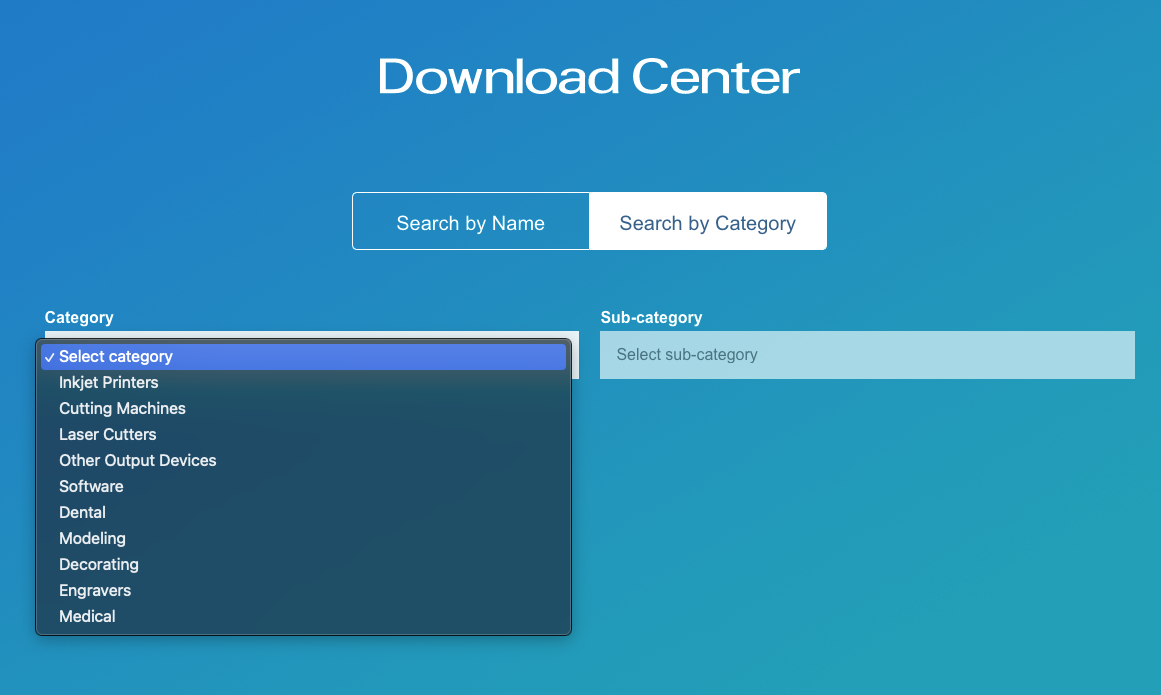
1. Search By Catagory (or Search by Name) Screenshot_2022-03-30_at_10.56.11.png
2. Select Catagory (cutter as example) Screenshot_2022-03-30_at_10.56.22.png
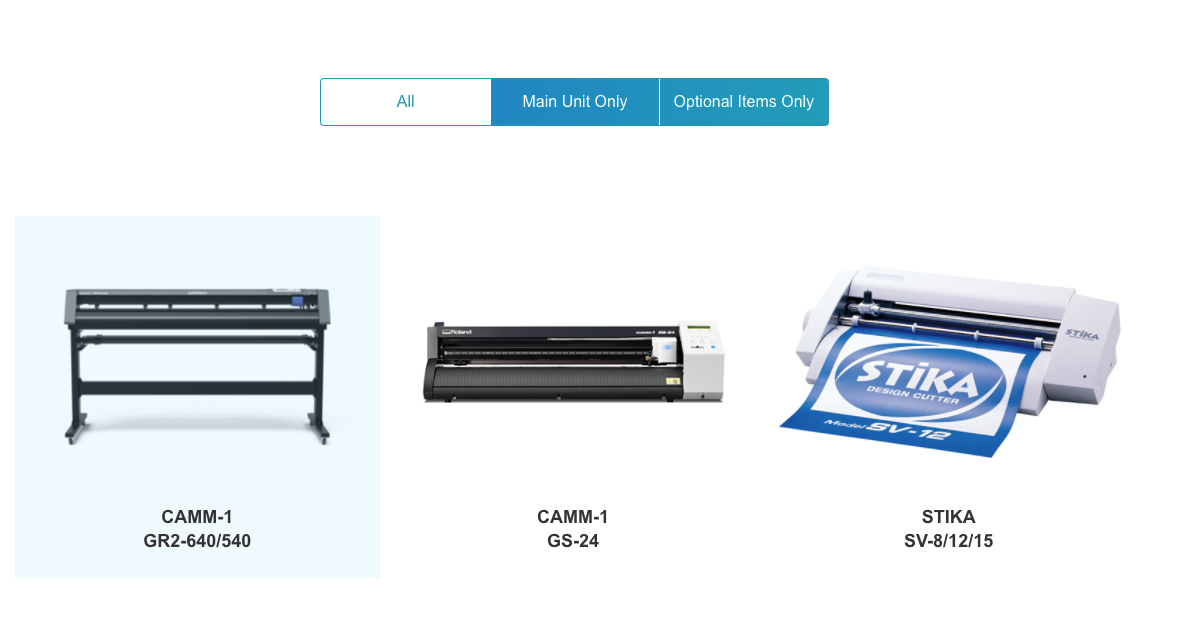
3. Select Model (GS-24 as example) Screenshot_2022-03-30_at_10.56.38.png
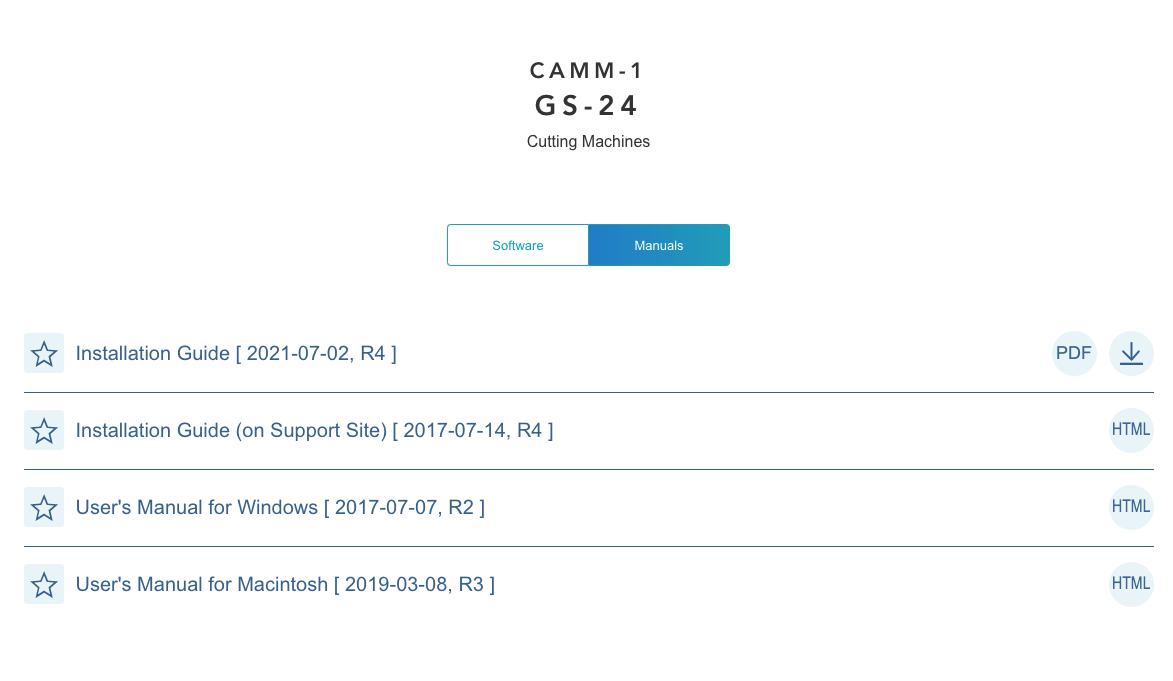
4. Choose "Software" tab Screenshot_2022-03-30_at_10.56.54.png
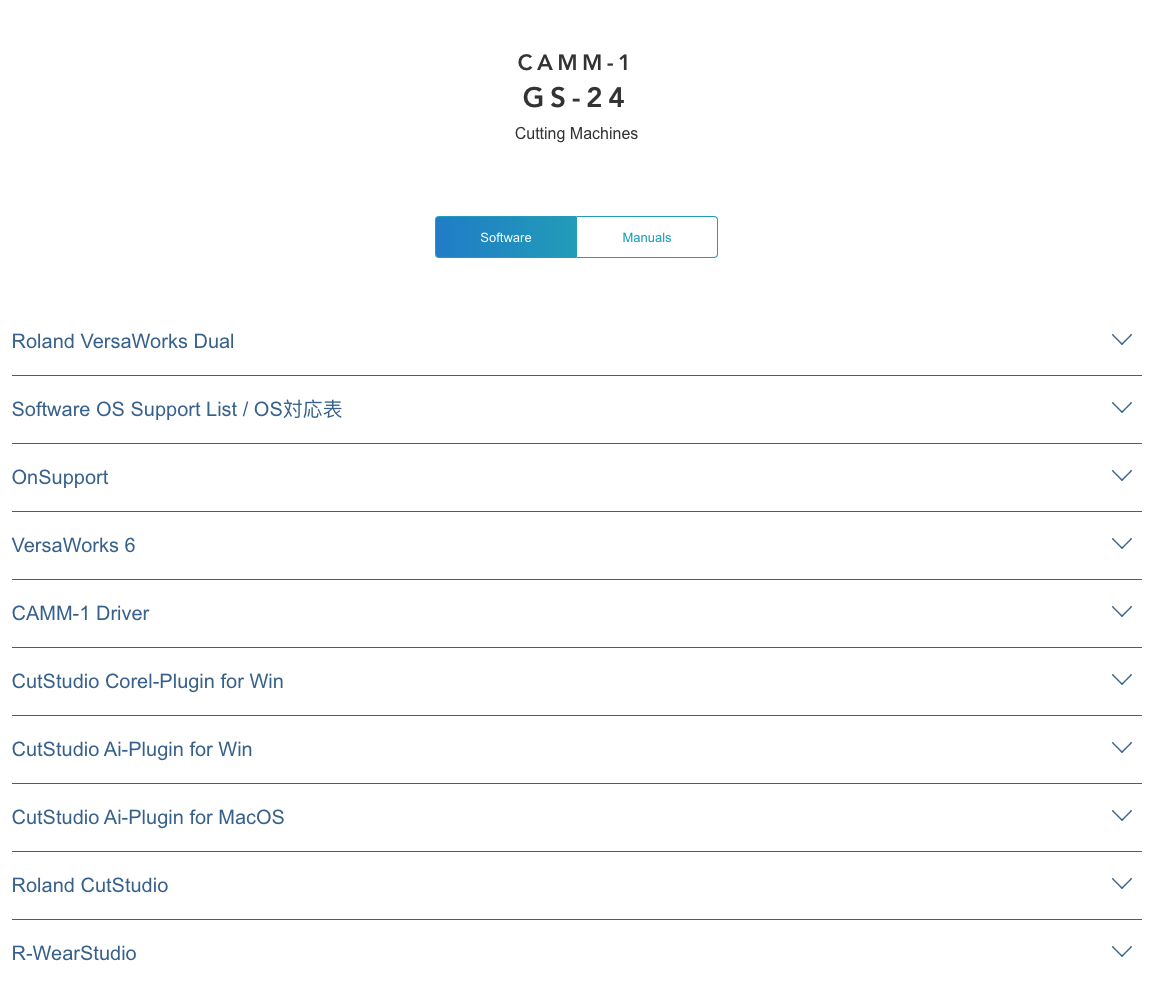
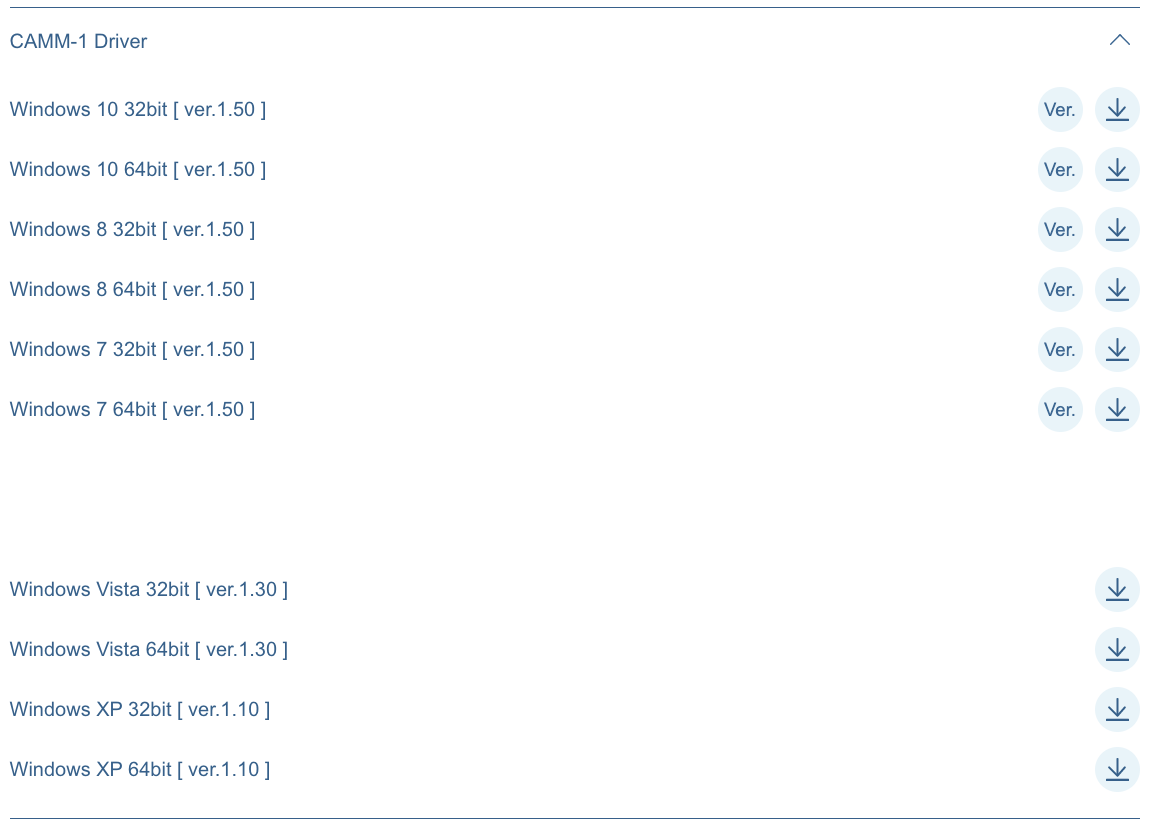
5. Select "Driver" (CAMM-1 as example) Screenshot_2022-03-30_at_10.57.37.png
6. Select the correct Windows driver from the list Screenshot_2022-03-30_at_10.58.08.png
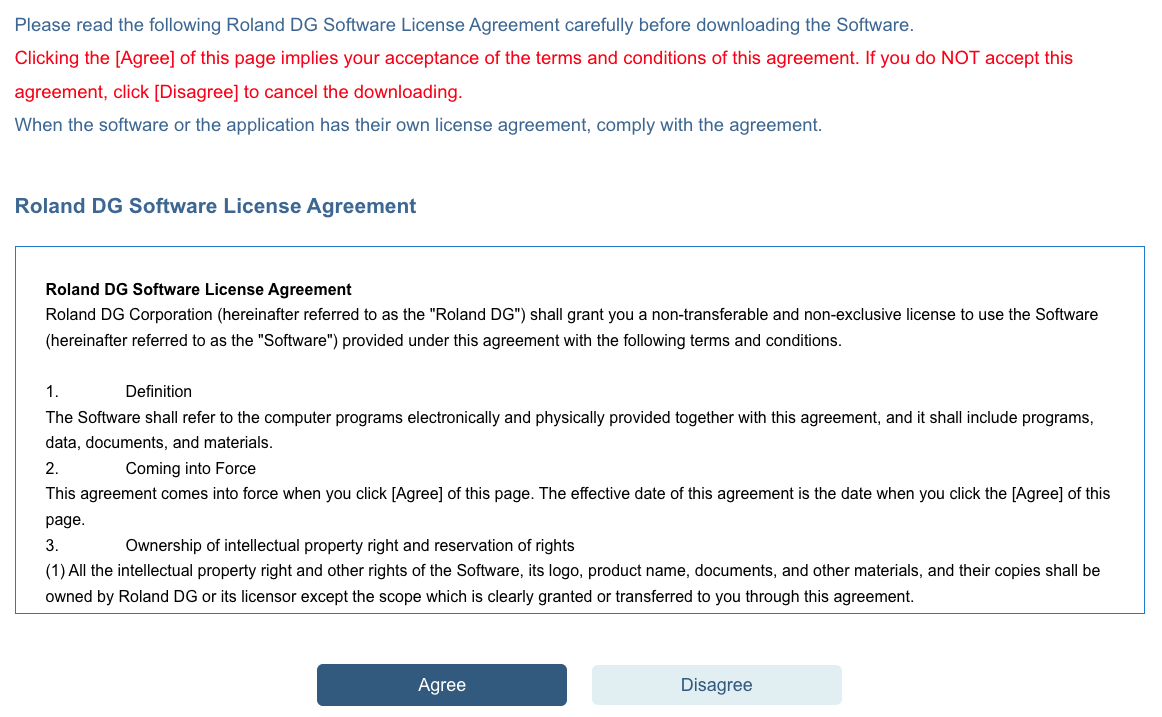
7. Follow the instructions and agree to the License Agreement Screenshot_2022-03-30_at_11.05.43.png
8. Your download have started, and can be found in your Download folder  
9. Unpack your folder, and follow instructions in the readme file. As exa,mle please see the
GS-24 readme file and instructions
readme.pdf
  • readme.pdf
    30 KB Download
Was this article helpful?
17 out of 33 found this helpful
Return to top

Related articles

  • 【GS-24】 Downloading Windows Drivers and Software
  • 【GS-24】Error connecting to cutter when sending job
  • CutStudio Updater
  • VersaWorks Versions & Supported Devices
  • Installing CutStudio in a computer (models except for GS2-24)

Copyright © Roland DG Care. All Rights Reserved

Deutsch Español Français Italiano 日本語 한국어 Português do Brasil